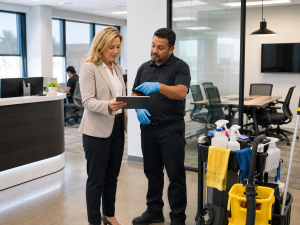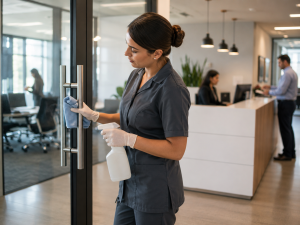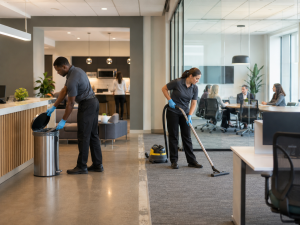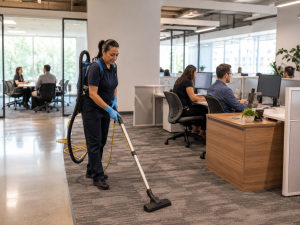
Modern offices contain many shared surfaces that employees, customers, vendors, and visitors use throughout the day. Door handles, conference tables, appliance controls, light switches, and reception counters may receive repeated contact even when they do not look visibly dirty. Professional office cleaning services in McKinney can help businesses identify these areas and include them in a clearly defined workplace-cleaning plan.
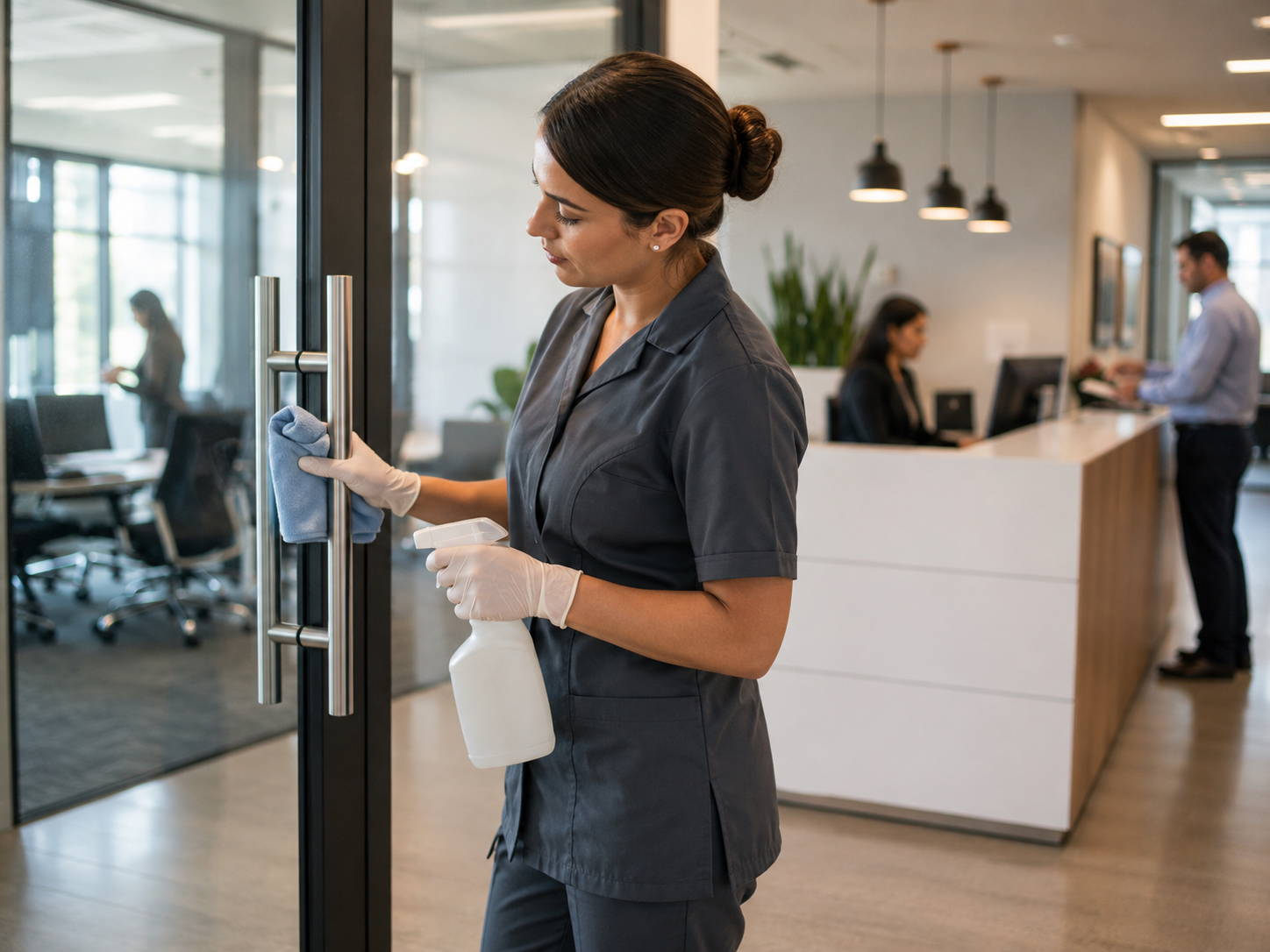
For offices in McKinney, Texas, high-touch cleaning should reflect actual workplace use instead of relying on the same generic list for every room. A main entrance handle used by most employees and visitors may need attention during every cleaning visit. A cabinet pull inside a private office may require less frequent care.
The purpose of a high-touch plan is not to treat every surface equally. It is to identify where frequent contact occurs, determine which tasks belong to the cleaning provider, and establish a practical schedule that supports consistency without disrupting office materials or equipment.
What Makes an Office Surface High-Touch?
A high-touch surface is an area handled repeatedly during normal business activity. The number of people using the surface, the frequency of contact, and the type of room all affect its priority.
A main entrance handle has a different level of use than a drawer pull inside a private office. A conference table may receive limited contact on quiet days but become a priority during interviews, training sessions, customer meetings, or team events.
Common high-touch areas may include:
- Main entrance handles
- Interior door handles
- Push plates
- Light switches
- Reception counters
- Conference tables
- Chair arms and backs
- Appliance handles
- Sink fixtures
- Cabinet pulls
- Shared equipment controls
- Access buttons
- Breakroom tables
- Restroom dispensers and latches
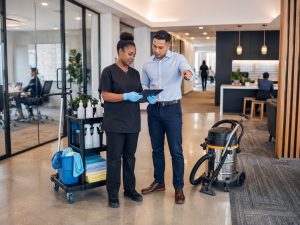
The final list should reflect how the office is actually used. A walkthrough during regular operating hours can help identify traffic patterns, active rooms, shared equipment, and frequently handled surfaces.
Office managers should also consider who uses each area. A reception counter may be touched by employees, delivery personnel, and visitors. A breakroom appliance may be handled by most of the on-site team. A private office surface may only be used by one person.
High-touch cleaning is most effective when the business names specific surfaces instead of assuming that every frequently used item will automatically be included.
Why Frequently Used Surfaces Are Often Missed
Many high-touch surfaces are small and may not appear visibly dirty from a distance. Floors, waste containers, and restroom fixtures are easier to identify because debris, residue, or buildup may be more noticeable.
A light switch, cabinet pull, chair arm, or appliance handle can be overlooked even when it receives repeated contact throughout the day.
High-touch surfaces may also fall between broad cleaning instructions. A checklist that says “clean the breakroom” does not necessarily identify:
- Refrigerator handles
- Microwave controls
- Cabinet pulls
- Sink fixtures
- Coffee-machine contact points
- Shared table edges
- Waste-container lids
- Light switches
Different cleaning team members may interpret a general instruction differently. One person may wipe appliance exteriors, while another may focus only on counters and floors.
Vague directions such as “clean shared areas,” “wipe common spaces,” or “clean as needed” make it difficult to evaluate whether the expected work was completed.
A more useful service scope names the room, surface, and frequency. For example, it may specify that entrance handles, restroom contact points, and breakroom appliance handles receive attention during every scheduled visit.
Detailed expectations reduce uncertainty and help office managers report a specific concern when a task is missed. This supports consistency without requiring managers to supervise every surface during every cleaning appointment.
Entrances, Meeting Rooms, and Breakrooms Need Clear Priorities
Entrances and reception areas often create the first physical interaction a visitor has with a business. Employees, customers, vendors, delivery personnel, and job candidates may all use the same doors, access controls, and waiting areas.
High-touch priorities near the entrance may include:
- Exterior and interior door handles
- Push plates
- Access controls
- Reception counters
- Sign-in surfaces
- Visitor chair arms
- Light switches
- Glass near handles and push points
The required frequency should reflect actual traffic. A quiet office with limited appointments may need less attention than a workplace that welcomes customers throughout the day.
Conference rooms also contain several shared surfaces. Tables, chair contact points, door handles, switches, presentation controls, cabinet pulls, and telephone controls may be used by different groups.
Businesses should clarify whether electronics, screens, whiteboard accessories, documents, and specialized equipment are included. Employees may need to remove papers, confidential materials, and personal belongings before accessible surfaces can be cleaned.
Breakrooms often require special attention because food, drinks, appliances, waste, and shared seating are concentrated in one space. Refrigerator handles, microwave controls, coffee-machine contact points, sink fixtures, cabinet pulls, tables, chair backs, and waste-container lids may receive frequent use.
Employees should remain responsible for personal dishes, food storage, and immediate spills. The cleaning provider can maintain the agreed counters, appliance exteriors, floors, sinks, and shared surfaces.
Clear boundaries prevent employees from assuming that personal items or appliance interiors are included when those tasks are outside the service agreement.
Restrooms and Shared Equipment Require Defined Methods
Restroom cleaning should include more than visible floors, mirrors, and fixtures. Several contact points may be used repeatedly throughout the day.
These may include:
- Door handles
- Stall latches
- Faucet handles
- Counter edges
- Soap dispensers
- Paper dispensers
- Flush controls
- Light switches
- Waste-container contact points
The appropriate frequency depends on employee attendance, visitor traffic, operating hours, and the number of available restrooms.
Businesses should also decide who monitors immediate daytime concerns. A provider scheduled after business hours may not be able to respond to a supply shortage or spill that occurs during the workday unless daytime support is part of the arrangement.
Shared equipment requires a different level of care. Printers, copiers, telephones, access panels, presentation systems, and other electronics may contain contact points that employees use frequently, but cleaning methods for counters or door handles may not be appropriate.
The business and provider should identify:
- Which equipment is shared
- Which contact points may be cleaned safely
- Whether manufacturer instructions apply
- Which items should not be moved
- Who is responsible for screens and electronics
- Whether confidential documents must be removed
- Which products or methods should be avoided
Cleaning products should not be sprayed directly onto electronic equipment. Screens, monitors, specialized controls, and active workstations should only be included when responsibilities and safe methods are clearly defined.
Shared desks present similar concerns because they may contain devices, cables, personal items, or active work materials. Employees should know what must be removed before accessible surfaces can be addressed.
Cleaning Frequency Should Match Contact Levels
High-touch surfaces should not all receive the same frequency. A useful plan may divide surfaces according to contact level, visibility, room activity, and workplace traffic.
During Every Cleaning Visit
These areas may receive frequent contact or remain highly visible:
- Main entrance handles
- Reception counters
- Restroom contact points
- Breakroom appliance handles
- Frequently used shared tables
- Access controls
- High-use light switches
Several Times Per Week
These areas may receive moderate use depending on attendance:
- Interior doors
- Shared cabinet pulls
- Conference-room surfaces
- Copy-area controls
- Selected chair contact points
- Lower-traffic shared counters
Weekly or Rotating
These surfaces may receive limited contact:
- Private-office handles
- Storage-area switches
- Low-use meeting-room surfaces
- Cabinet pulls in restricted spaces
- Contact points in rarely used rooms
The schedule should remain flexible. A conference room that is normally quiet may need additional attention during a week of interviews or customer meetings. A breakroom may need more frequent service when more employees begin working on-site.
Changes in attendance, meetings, visitor traffic, or special events may temporarily increase the cleaning priority of certain shared surfaces.
The goal is to direct attention toward the surfaces that receive the most contact without repeatedly cleaning low-use areas that remain unchanged between visits.
A Written Checklist Supports Consistent Service
High-touch cleaning should be part of a broader office-cleaning plan. Floors, waste removal, restrooms, breakrooms, accessible surfaces, and customer-facing areas still affect how the workplace looks and functions.
Focusing only on frequently touched surfaces may leave other recurring responsibilities incomplete. Businesses with broader property needs can review commercial cleaning services when determining how office care fits within the maintenance of the full facility.
A written high-touch checklist should identify:
- Included rooms
- Named surfaces
- Cleaning frequency
- Employee responsibilities
- Electronics restrictions
- Confidential-material procedures
- Items that should not be moved
- Products or methods to avoid
- Service times
- Reporting procedures
The checklist should be reviewed during the initial walkthrough and updated when the workplace changes.
New equipment, adjusted seating plans, additional employees, new access controls, renovated shared spaces, and different attendance patterns may create priorities that were not included originally.
A review may be needed when:
- Shared equipment is installed
- Office attendance increases
- Additional rooms open
- Furniture layouts change
- Customer traffic grows
- Access procedures are updated
- Breakroom appliances are replaced
- Employees report recurring concerns
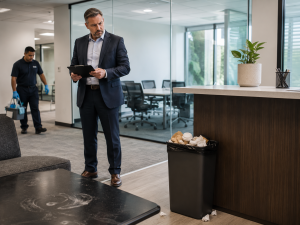
Managers can evaluate results through periodic walkthroughs, employee feedback, and documentation of repeated issues. Feedback should identify the room, surface, and expected result.
A note explaining that a refrigerator handle in the breakroom was repeatedly missed is more useful than a general complaint that the office does not look clean.
Businesses can review client testimonials and confirm coverage through the service area page when evaluating recurring office support.
A detailed checklist gives the business and cleaning provider the same reference point. It supports consistent work while reducing the need for managers to inspect every area after each visit.
Request an Office Cleaning Estimate
Tailor Maid Clean can review shared spaces, frequently touched surfaces, employee attendance, equipment concerns, and preferred service frequency when preparing a customized plan. Businesses in McKinney, Texas can request a free office cleaning estimate to discuss high-touch priorities and recurring workplace care.
FAQ
Which high-touch areas should be included in an office cleaning plan?
Common priorities include entrance handles, interior door handles, light switches, reception counters, conference tables, appliance handles, sink fixtures, cabinet pulls, restroom contact points, and selected shared-equipment controls. The final list should reflect actual office use.
How often should high-touch office surfaces be cleaned?
Frequency depends on the number of people using the surface, its location, and daily workplace activity. Main entrances, restrooms, breakrooms, and frequently used shared rooms may need attention during every visit, while lower-use areas can follow a rotating schedule.
Should office cleaners handle computers and other electronics?
Electronics should only be included when responsibilities and safe methods are clearly defined. Cleaning products should not be sprayed directly onto equipment, and screens, monitors, specialized controls, and active workstations may require separate instructions.
When should a high-touch cleaning checklist be updated?
The checklist should be reviewed when office attendance changes, new equipment is installed, rooms are added, furniture layouts change, access procedures are updated, or employees report recurring concerns about specific surfaces.